








How to start a contribution
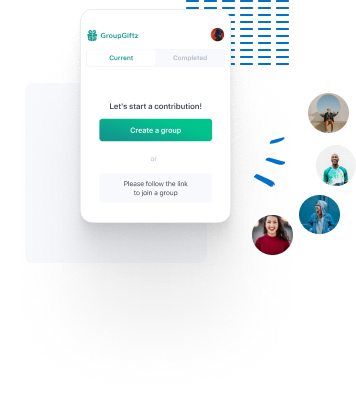
Create or Join a Contribution
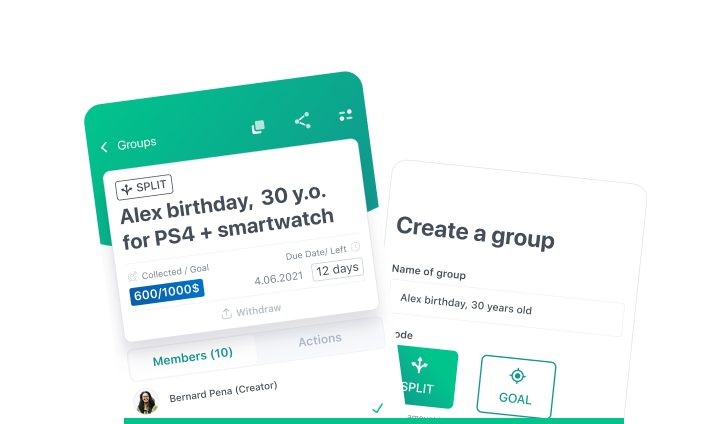
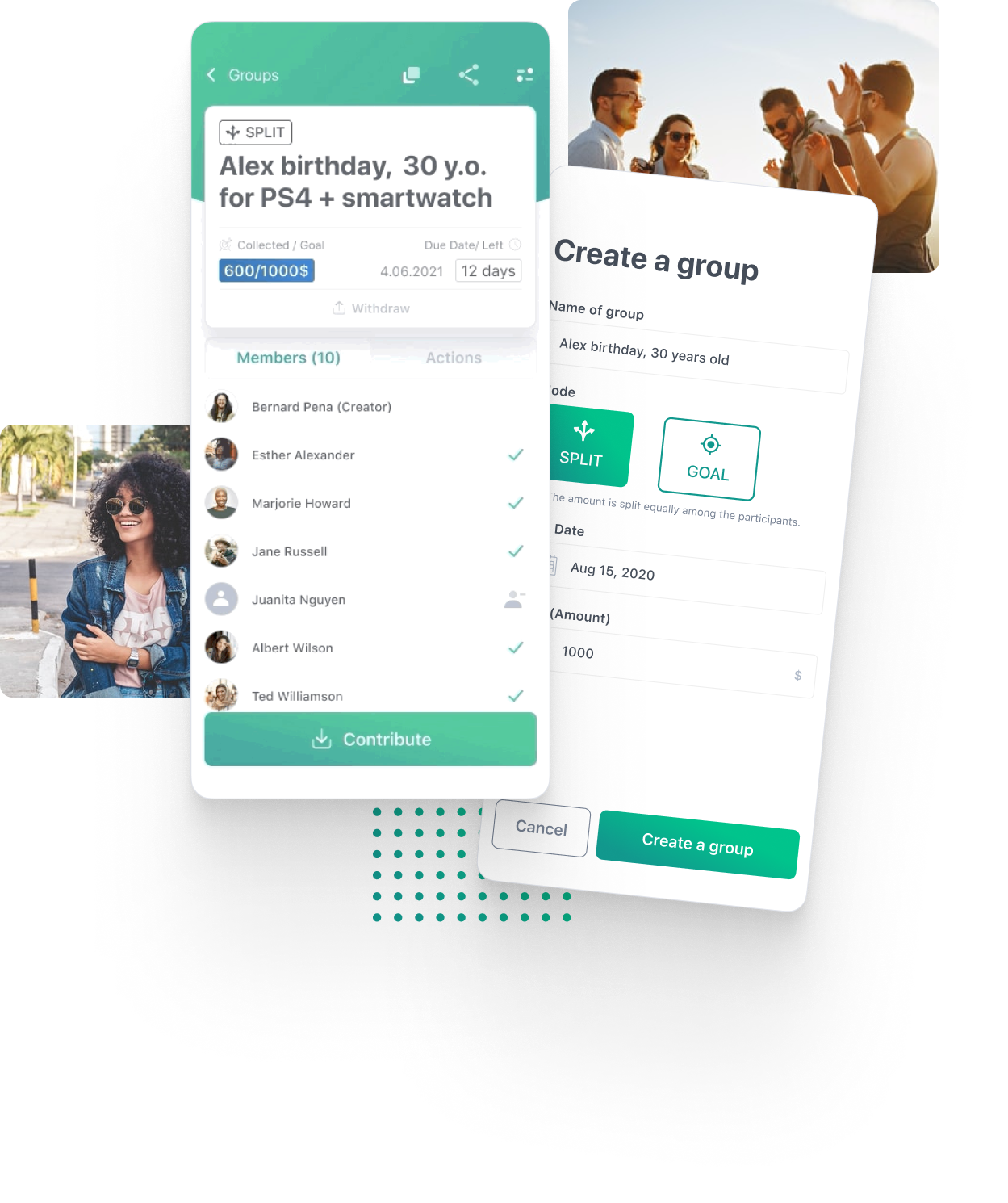
After signing up, create a new contribution the occasion and the amount to be contributed. Select mode right for you
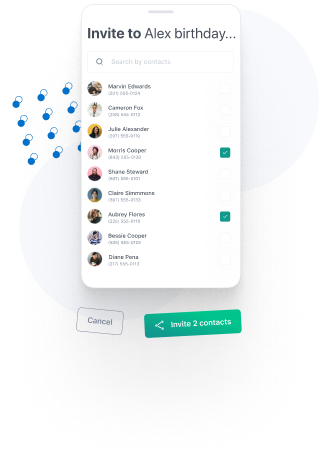
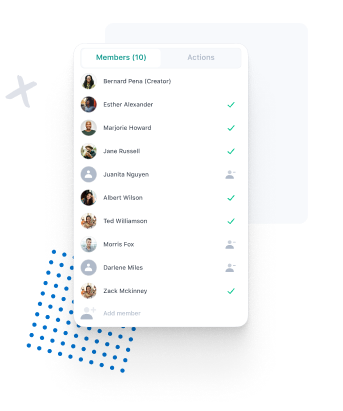
Manage the contribution
Full control of the contributions
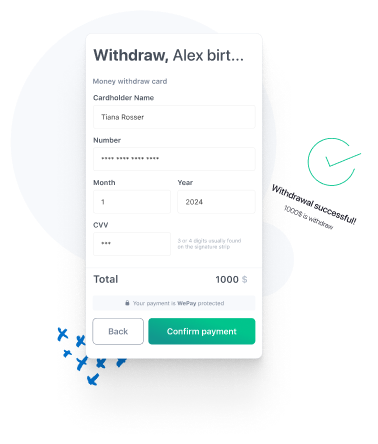
Withdraw Amount
Follow the steps to deposit the contributed amount to your account
Countries we support

Armenia

Argentina

Australia

Austria

Belgium

Bolivia

Bosnia & Herzegovina

Bulgaria

Cambodia

Canada

Chile

Colombia

Costa Rica

Croatia

Cyprus

Czech Republic

Côte d'Ivoire

Denmark

Dominican Republic

Egypt

El Salvador

Estonia

Finland

France

Gambia

Germany

Gibraltar

Greece

Hong Kong SAR China

Hungary

Iceland

India

Indonesia

Ireland

Israel

Italy

Japan

Jordan

Kenya

Latvia

Liechtenstein

Lithuania

Luxembourg

Macao SAR China

Malaysia

Malta

Mauritius

Mexico

Morocco

Namibia

Netherlands

New Zealand

Norway

Panama

Paraguay

Peru

Philippines

Poland

Portugal

Romania

Saudi Arabia

Senegal

Serbia

Singapore

Slovakia

Slovenia

South Africa

South Korea

Spain

Sweden

Switzerland

Thailand

Trinidad & Tobago

Tunisia

Turkey

United Arab Emirates

United Kingdom

United States

Uruguay
Newly supported countries (Beta)
-

Albania
-

Algeria
-

Angola
-

Antigua & Barbuda
-

Azerbaijan
-

Bahrain
-

Bangladesh
-

Benin
-

Bhutan
-

Brunei
-

Ecuador
-

Ghana
-

Guatemala
-

Guyana
-

Jamaica
-

Kuwait
-

Moldova
-

Monaco
-

Niger
-

Nigeria
-

North Macedonia
-

Oman
-

Qatar
-

San Marino
-

Sri Lanka
-

St. Lucia
-

Taiwan
-

Tanzania
-

Uzbekistan
Group gifting, made simple
GroupGiftz is a free group gift app and organizer. Create a group gift for a birthday, wedding, baby shower, graduation or any occasion, invite everyone with a link, and collect contributions in one place. No spreadsheets and no chasing people for money.
Split it or set a goal
Divide the total equally so everyone knows their share, or let people chip in any amount toward a target.
Friends can chip in from the web
Share the group link and friends can contribute by card from their browser, even without the app.
Reminders and easy cash-out
Members are reminded before the due date. Move the money to your GroupGiftz wallet or withdraw it to your bank.
Read the guide: how to organize a group gift →
Group gift FAQ
What is a group gift?
A group gift is a present several people pay for together. One person organizes it, everyone chips in, and the money goes toward something bigger than anyone would buy on their own.
How do I collect money for a group gift?
Download GroupGiftz, create a group with the occasion, a target amount and a due date, then invite people with a link or from your contacts. Everyone contributes in the app by card or Apple Pay, and you can see who has paid as the money comes in.
Is GroupGiftz a free group gift organizer?
Yes. The app is free to download and free to create groups. Card payments include a small processing fee, which is shown before anyone pays.
Can I set how much each person contributes?
Yes. Choose Split and the total is divided equally, so everyone pays the same share. Choose Goal and people can contribute any amount toward the target.
Can people contribute without downloading the app?
Yes, for Goal groups. Share the group link and friends can chip in from their web browser with a card.
How does the organizer get the money?
The organizer can move the money to their GroupGiftz wallet instantly or withdraw it to a linked bank account, then buy the gift.
Does GroupGiftz remind people to pay?
Yes. Members get reminders as the due date gets close, and the organizer is notified whenever someone contributes and when the goal is reached.
What occasions can I use it for?
Birthdays, weddings, baby showers, graduations, holidays, group trips, office gifts, fundraisers and more.